Phone camera,
how it should have been.
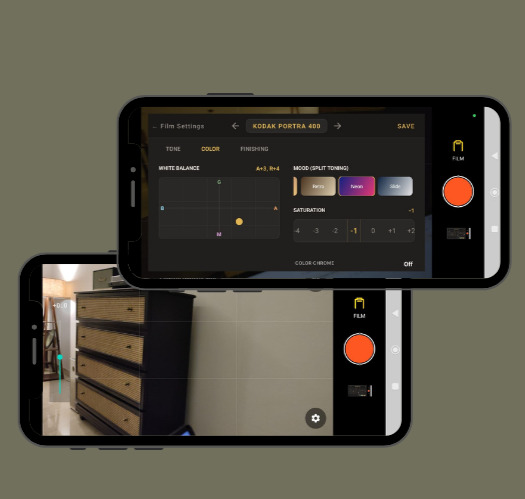
Authentic film style images, captured right on your phone. Shoot in iconic film styles or create your own film recipes.
Unique Film Styles
From Neutral to Kodachrome, engineered with physics-based luminance curves to emulate real analog stocks.

Custom Recipes
Tweak tones, clarity, and grain. Generate a 15-character Base36 code to share your exact aesthetic instantly.

Clutter-Free UI
A transparent, persistent settings overlay built for iteration. No bulky menus blocking your shot.

Zero Ads
Photography requires focus. We don’t ruin your workflow or screen space with intrusive advertising.
#ShotOnFlareCam
Follow along on Instagram @flarecam

Mobile photography is chasing benchmarks.
FlareCam breaks the chain.
What’s wrong with phone cameras today? Modern smartphone cameras have become overly clinical. By relying on aggressive computational processing, artificial sharpening, and harsh digital clipping, they often strip the soul out of a captured moment.
FlareCam is engineered differently. Rather than chasing technical benchmarks, we prioritize authentic aesthetics. By directly intercepting uncompressed sensor data and simulating actual analog physics, FlareCam acts as a real-time digital darkroom. It preserves natural luminance curves and organic highlight roll-off, delivering honest, evocative images straight out of the camera.
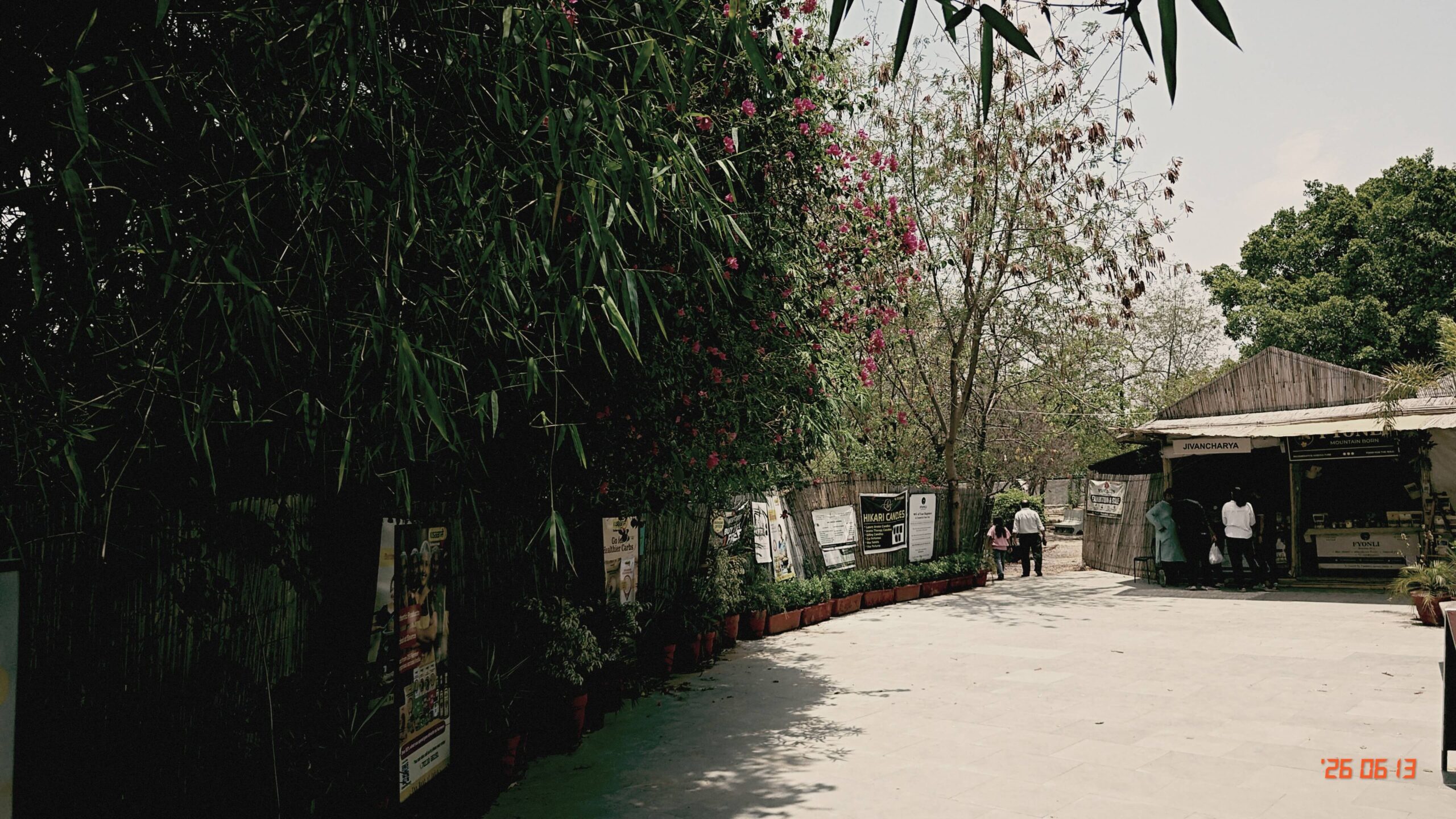
Latest from the Darkroom

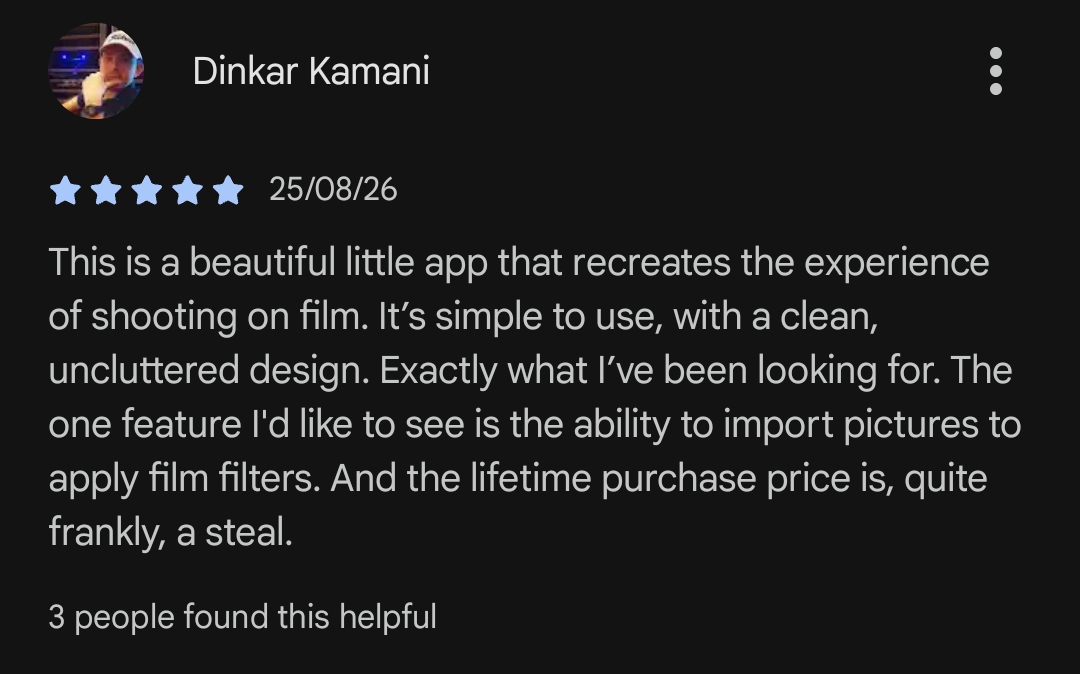
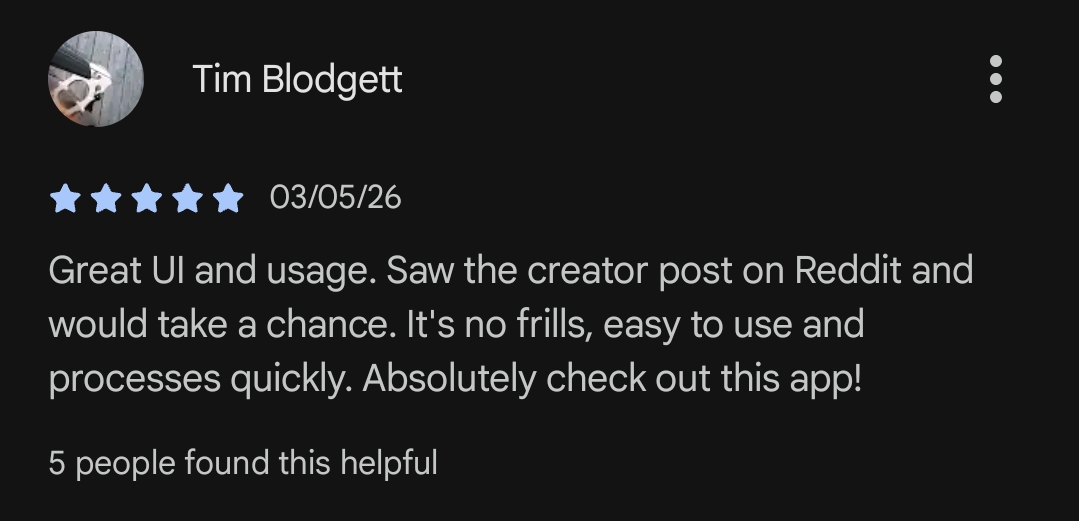
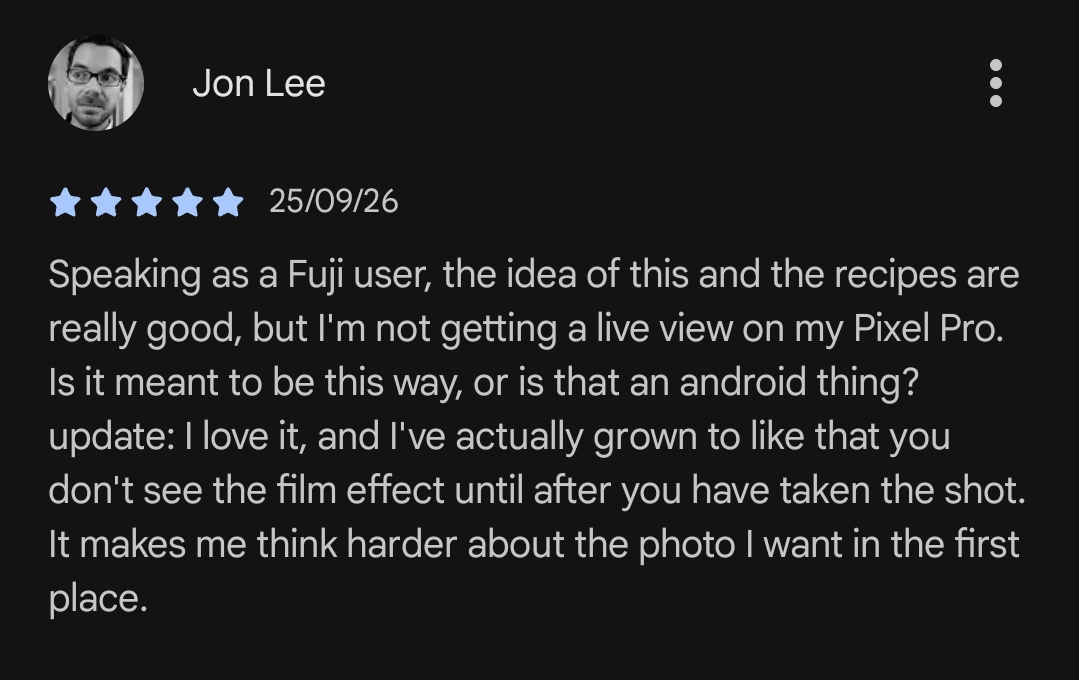
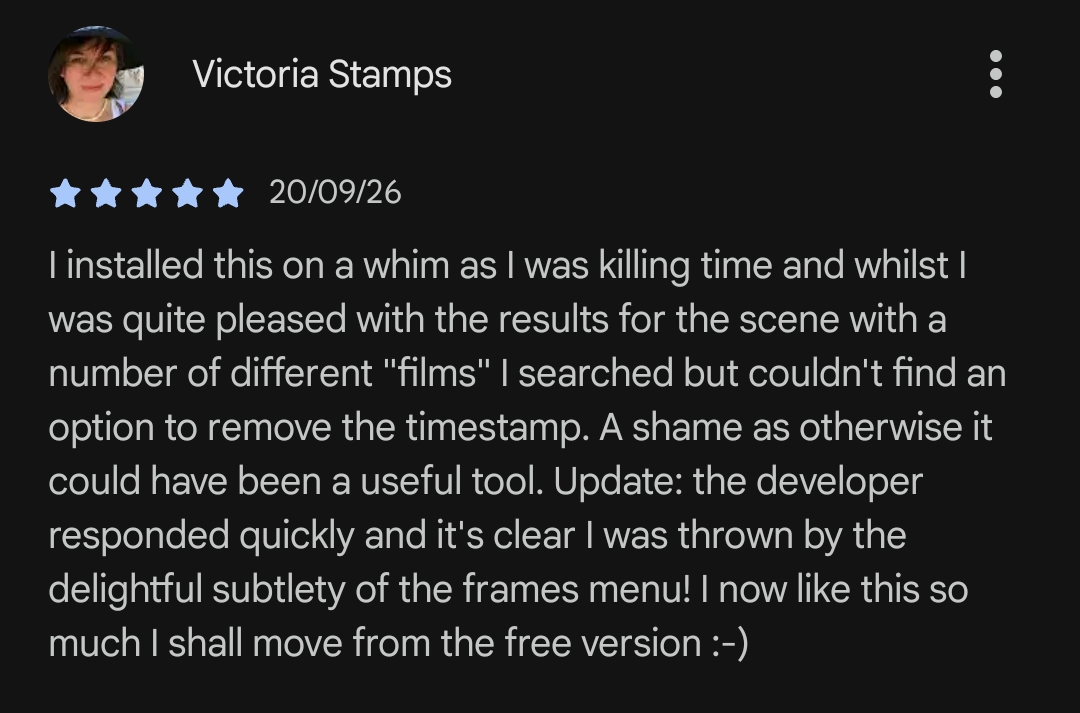
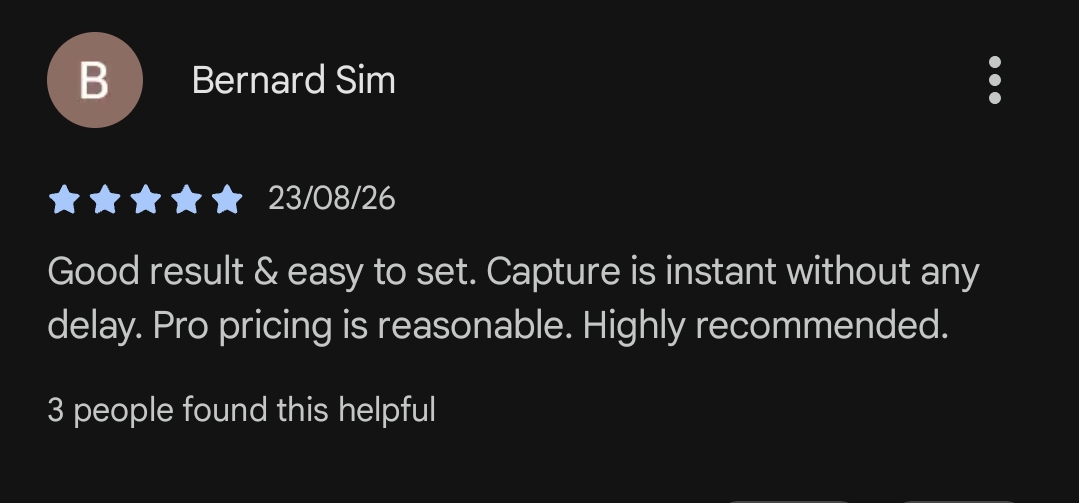
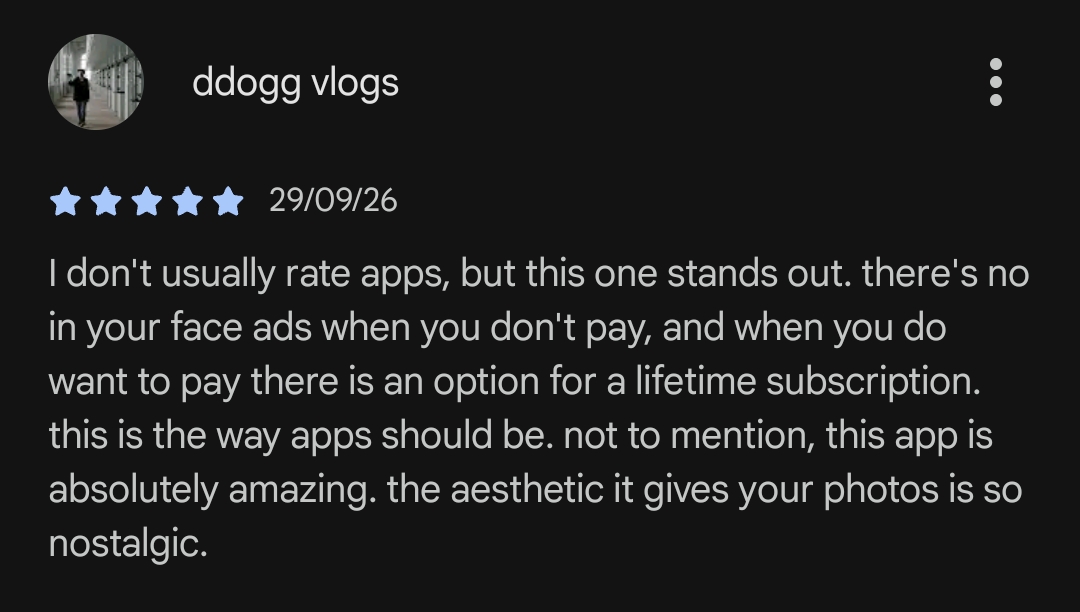
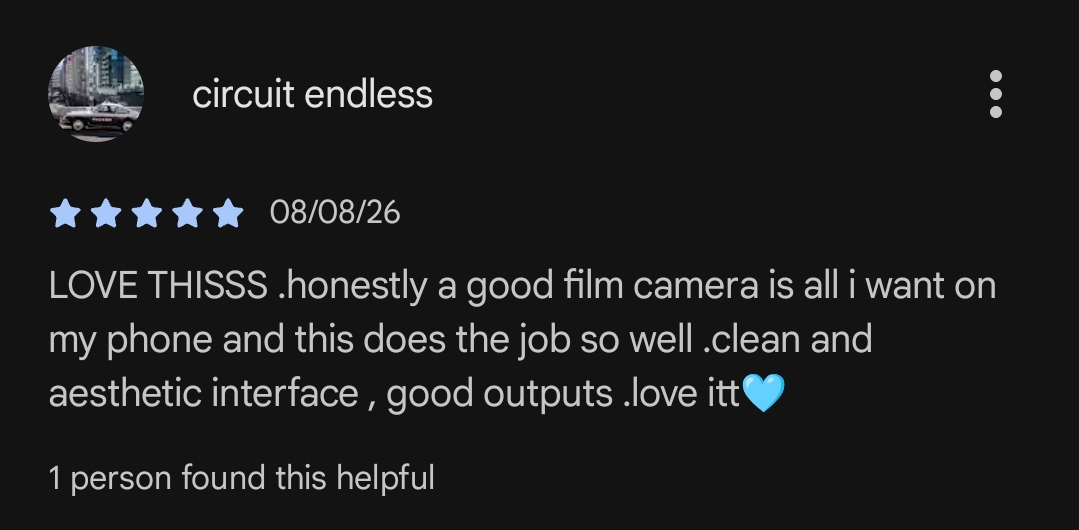
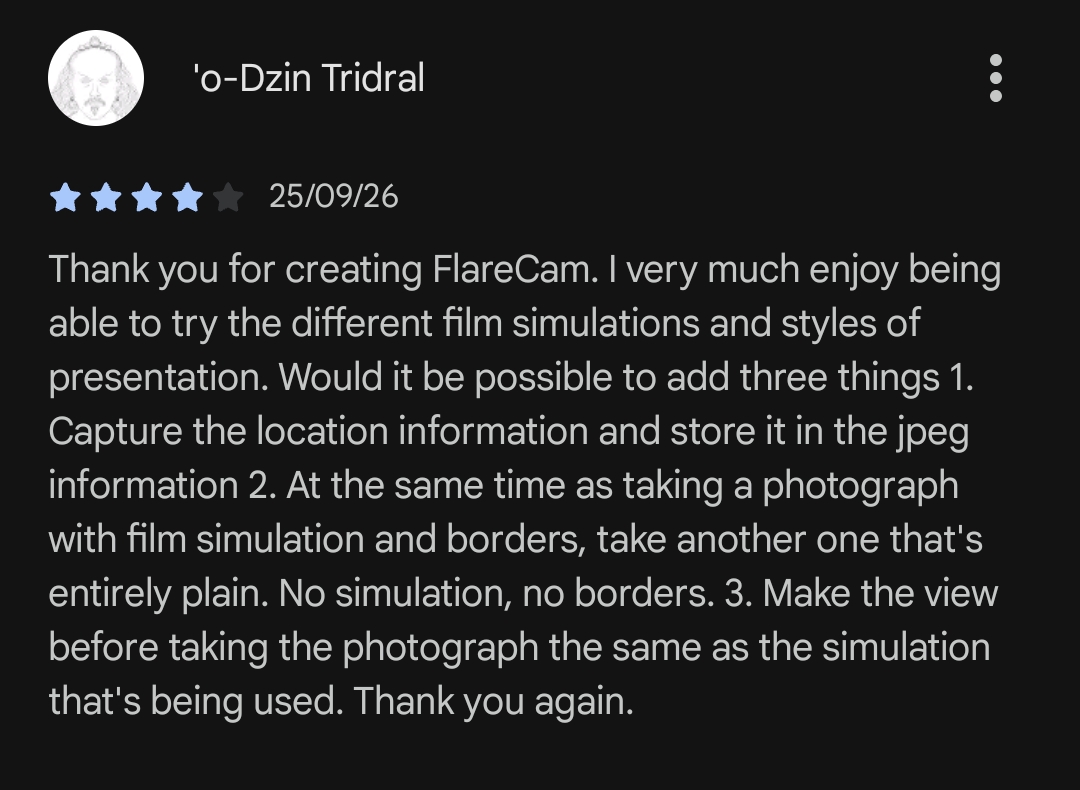
What Photographers Are Saying
Join the FlareCam Community
Share your custom Base36 recipe codes, get featured on our feed, and connect with other photographers building their own aesthetic.
Frequently Asked Questions
Why use FlareCam instead of just applying a preset in Lightroom/Snapseed later?
When you shoot with your stock camera app, the phone automatically applies aggressive noise reduction, artificial sharpening, and heavy HDR compression. Applying a preset over that heavily processed image often looks flat and artificial. FlareCam intercepts the pure, uncompressed light data from your sensor before your phone’s software can ruin it, applying our color science and film logic at the foundational level. The result is organic grain and authentic highlight roll-off that post-processing simply cannot replicate.
If I share a recipe code with a friend who has a different phone, will their photos look exactly the same?
The recipe will apply the exact same mathematical luminance curves, grain structure, and color grading parameters. However, because FlareCam processes the unique, uncompressed light data from each specific sensor, the final image will have subtle, organic variations depending on the hardware—much like shooting the exact same film stock in two different analog cameras.
Does FlareCam use my phone’s built-in HDR or AI Night Mode?
No. Standard smartphone HDR merges multiple exposures to perfectly light every shadow, which often leads to a flat, unnatural look. FlareCam intentionally bypasses these artificial enhancements to preserve natural contrast. If you shoot in the dark with FlareCam, you will get real optical noise and deep, crushed shadows, exactly like you would when shooting with high-speed analog film.
Are the photos saved as RAW files or JPEGs?
FlareCam outputs high-quality JPEGs. Because the film simulation, grain engine, and color grading happen at the exact moment of capture using the uncompressed sensor data, the final “baked-in” look is saved as a ready-to-share JPEG. This gives you the quality benefits of RAW processing without the hassle of editing later.
Is FlareCam free to use?
Yes! FlareCam has a free version that gives you full access to our core shooting experience. If you want unrestricted access to all premium features, you can upgrade to FlareCam Pro via a subscription or a one-time lifetime purchase. You can even earn free months of Pro just by sharing the app with your friends!
Is FlareCam available on both iOS and Android?
Yes, FlareCam is a cross-platform experience. You can download the app from both the Apple App Store and the Google Play Store, and your shareable recipe codes will work seamlessly across both platforms.
Can I tweak my recipe settings after I take the photo?
No, and that is intentional. Just like exposing a frame of physical analog film, FlareCam bakes your recipe choices into the image at the exact moment of capture. We built FlareCam to bring intentionality back to photography. We want you to commit to a look in the moment, capture the feeling of the scene, and move on—rather than spending hours endlessly tweaking sliders in post-production.
How do the shareable recipe codes work?
Every time you tweak highlights, shadows, grain, and clarity in FlareCam, the app automatically generates a unique code for that combination. You can share that code with a friend or just paste a friend’s code into your app, and enjoy brilliant looks made by fellow photographers.
Is this just applying a filter over my photo?
No. FlareCam accesses the uncompressed YUV data from your phone’s sensor before standard compression ruins it. It processes light using OpenGL shaders, mimicking the soft highlight roll-off and luminance curves of physical film.
Does FlareCam support all my phone’s lenses?
For most devices it does. You can use pinch to zoom to zoom in or out. It will switch to a different lens if available for the focal length you zoom to, else it will zoom digitally. You now also have the option to use your front camera.
Ready to shoot differently?
Experience authentic film emulation and take control of your colors.